Navigating the documentation
- Back
- Authorization in the Administrative Panel
- Administrative Panel Interface
- Administrative Panel Sections
- Main Page (Dashboard) of the Administrative Panel
- Content (posts, pages, categories, comments, selections, forms)
- Media Files (File Manager)
- Users, Their Groups, and Permissions
- [Feeds (Distribution) [content]](/documentation/expluatation/admin-feeds)
- Modules
- Themes
- Analytics
- CMS Settings
- About the System
Authorization in the GIRVAS CMS Administrative Panel
Authorization in the admin panel is implemented separately from authorization on the website running on the GIRVAS CMS. This architectural solution is aimed at preventing unauthorized access to the administrative interface.
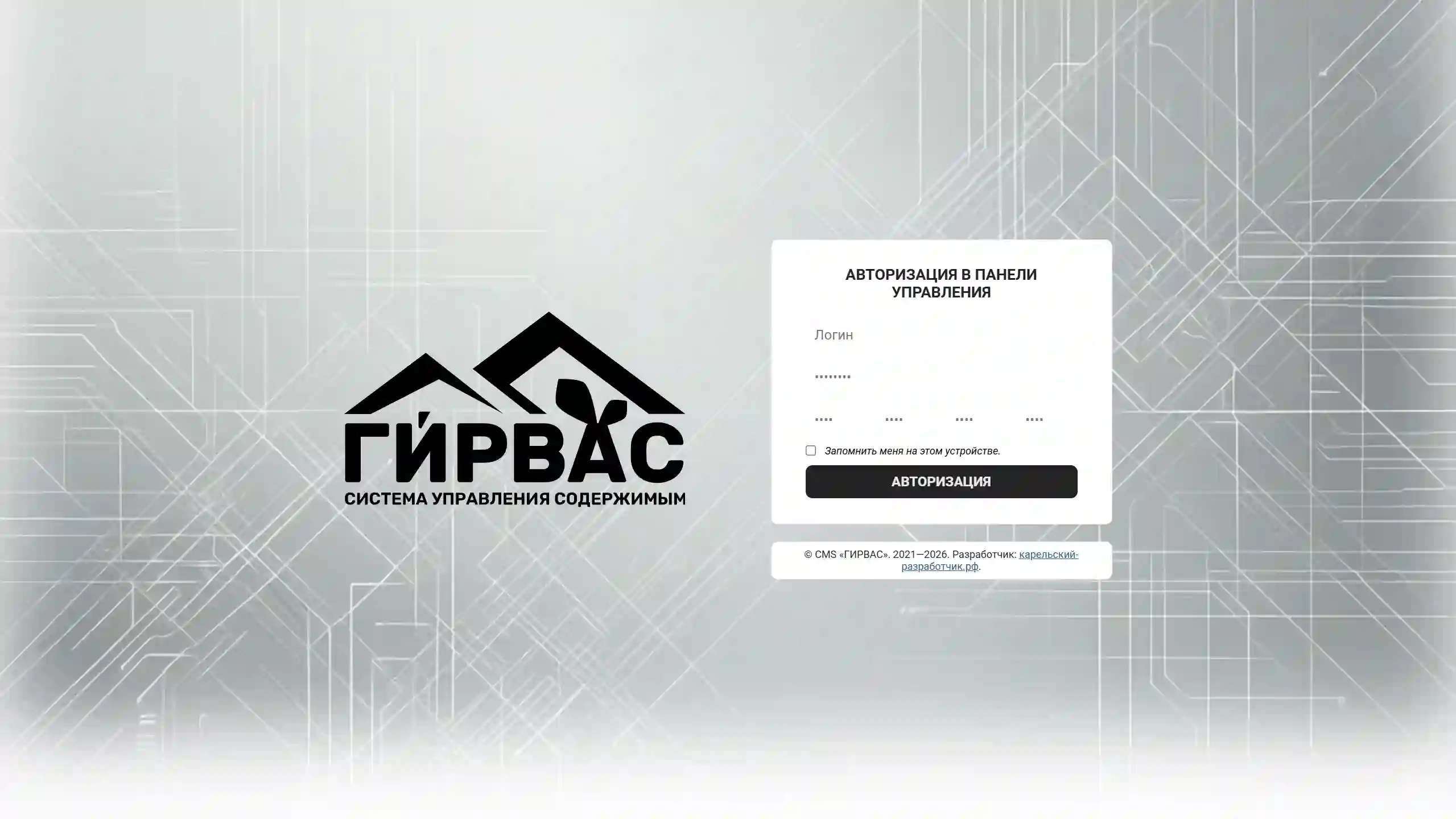
When navigating to the relative path /admin, the authorization form for the admin panel is displayed. To log in, use the login and password of the administrator account created in step 10 of the installation wizard.
Authorization in the administrative panel is also available to other users with the appropriate rights. If necessary, access to the administrative panel can be restricted by activating the IP whitelist in the administrative interface security settings.