
Navigating the documentation
- Back
- Administrative Panel Main Page (Dashboard)
- Content (posts, pages, categories, comments, selections, forms)
- Media files (File Manager)
- Users, their groups, and permissions
- Feeds (Content Distribution)
- Modules
- Themes
- Analytics
- CMS Settings
- About the System
Managing Media Files via the GIRVAS CMS File Manager
The "Media Files" section (future "File Manager") contains graphic elements uploaded for subsequent embedding in web pages.
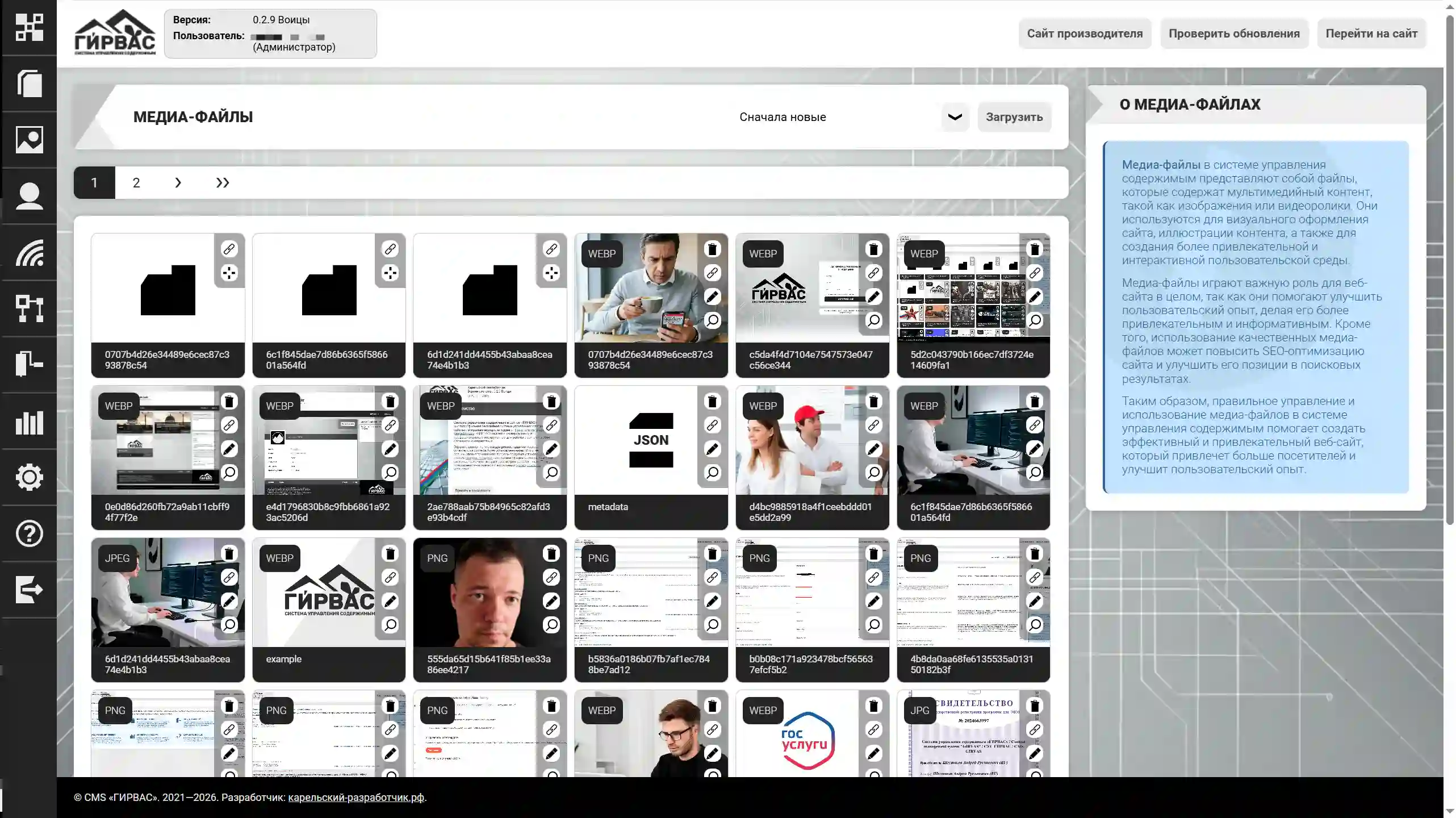
To upload a new media file, click the "Upload" button and then select the desired file using the operating system's Explorer window.
ATTENTION! At the time of writing, GIRVAS CMS supports the upload of JPEG/JPG, PNG, WEBP, AVIF, and GIF images, as well as PDF documents. All images uploaded through this tool are automatically converted to WEBP or AVIF format, depending on the CMS configuration.
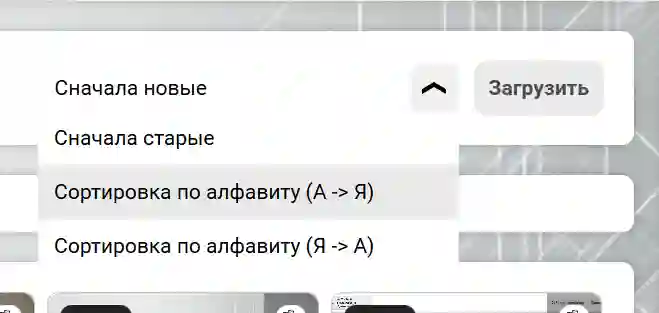
Each uploaded file has a dedicated interaction toolbar, accessible for each element. All elements can be sorted using the drop-down menu to the left of the "Upload" button at the top of the tool's interface. This menu includes the following sorting options: by newest or alphabetically.
Media File Meta Information
Starting with version 0.2.9 "Voitsy", GIRVAS CMS can generate a site image map to improve indexing based on the meta information of media files uploaded through the "Media Files" section.
Sitemap Images Example:
<urlset xmlns="http://www.sitemaps.org/schemas/sitemap/0.9" xmlns:image="http://www.google.com/schemas/sitemap-image/1.1">

    <url>

        <loc>https://ochag.10-nko.ru/uploads/media/e3783651cd7740831807dc2bff1fd192.webp</loc>

        <lastmod>2026-03-22</lastmod>

        <changefreq>monthly</changefreq>

        <priority>0.5</priority>

        <image:image>

            <image:loc>https://ochag.10-nko.ru/uploads/media/e3783651cd7740831807dc2bff1fd192.webp</image:loc>

            <image:caption>Общение члена правления КРОО ПРОИ "Очаг" Ореховой Елены Юрьевны и владельцев отеля "Лахти". Проект "Хлеб без границ"</image:caption>

            <image:title>Общение члена правления КРОО ПРОИ "Очаг" Ореховой Елены Юрьевны и владельцев отеля "Лахти"</image:title>

            <image:license>https://creativecommons.org/licenses/by/4.0/</image:license>

        </image:image>

    </url>

    <url>

        <loc>https://ochag.10-nko.ru/uploads/media/01c9bef7b5dddad2a0c4a461221b0e4b.webp</loc>

        <lastmod>2026-03-22</lastmod>

        <changefreq>monthly</changefreq>

        <priority>0.5</priority>

        <image:image>

            <image:loc>https://ochag.10-nko.ru/uploads/media/01c9bef7b5dddad2a0c4a461221b0e4b.webp</image:loc>

            <image:caption>Вручение сертификата участника Программы поддержки СОНКО руководителем компании "Карельский разработчик" Шестаковым Андреем Руслановичем председателю КРОО ПРОИ "Очаг" Рябиковой Елене Николаевне. Проект "Хлеб без границ"</image:caption>

            <image:title>Вручение сертификата участника Программы поддержки СОНКО руководителем компании "Карельский разработчик" Шестаковым Андреем Руслановичем председателю КРОО ПРОИ "Очаг" Рябиковой Елене Николаевне</image:title>

            <image:license>https://creativecommons.org/licenses/by/4.0/</image:license>

        </image:image>

    </url>

</urlset>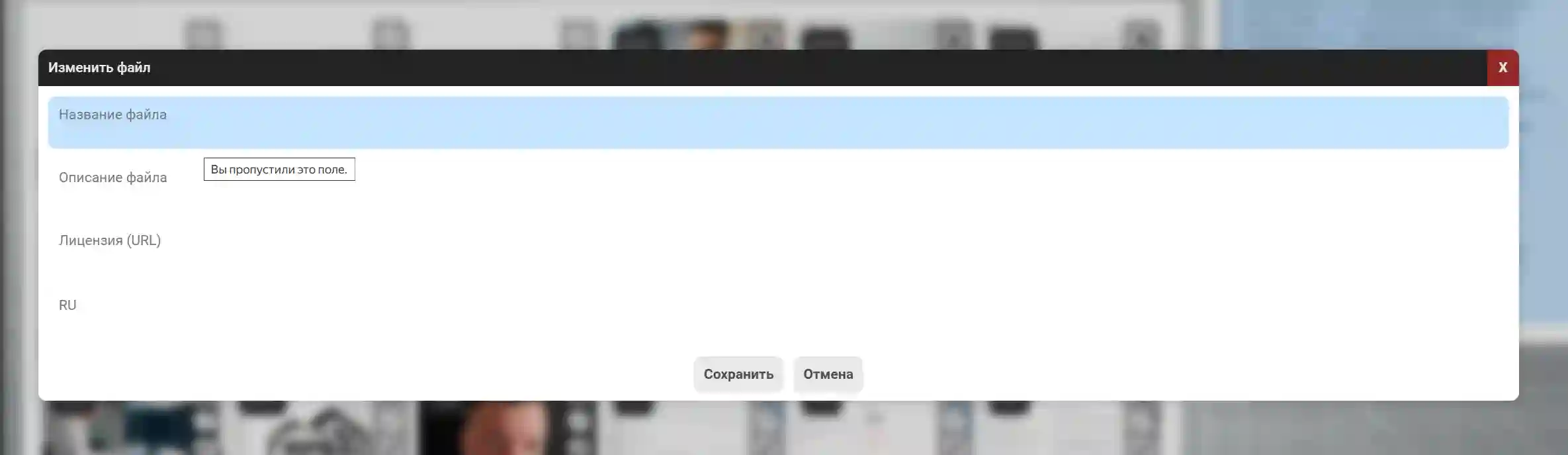
For high-quality image indexing, it is recommended to fill in metadata for all uploaded images.
The site's image map will always be available at: /sitemap/images.