Navigating the documentation
- Back
- Administrative Panel Main Page (Dashboard)
- Content (posts, pages, categories, comments, selections, forms)
- Media files (File Manager)
- Users, their groups, and permissions
- Feeds (Content Distribution)
- Modules
- Themes
- Analytics
- CMS Settings
- About the System
Managing Themes via the GIRVAS CMS Administrative Panel
The CMS admin panel allows you to manage themes to change the appearance of a website built on the GIRVAS CMS. Please note that we recommend using only the official CMS repository, which is accessible through the "Repository" subsection of the "Themes" section, as the list of themes is compiled through the Karelian Developer servers, which have been moderated by the company. Themes from the repository can also be found in the GIRVAS CMS Theme Showcase.
The "Themes" section includes two subsections: "Uploaded" and "Repository."
Uploaded Themes
Each uploaded theme can be managed both through the "Uploaded" subsection and through the theme view page (accessible by clicking the "More Details" button). The theme's quick management panel allows you to view theme information, delete it from the server machine, and install it.
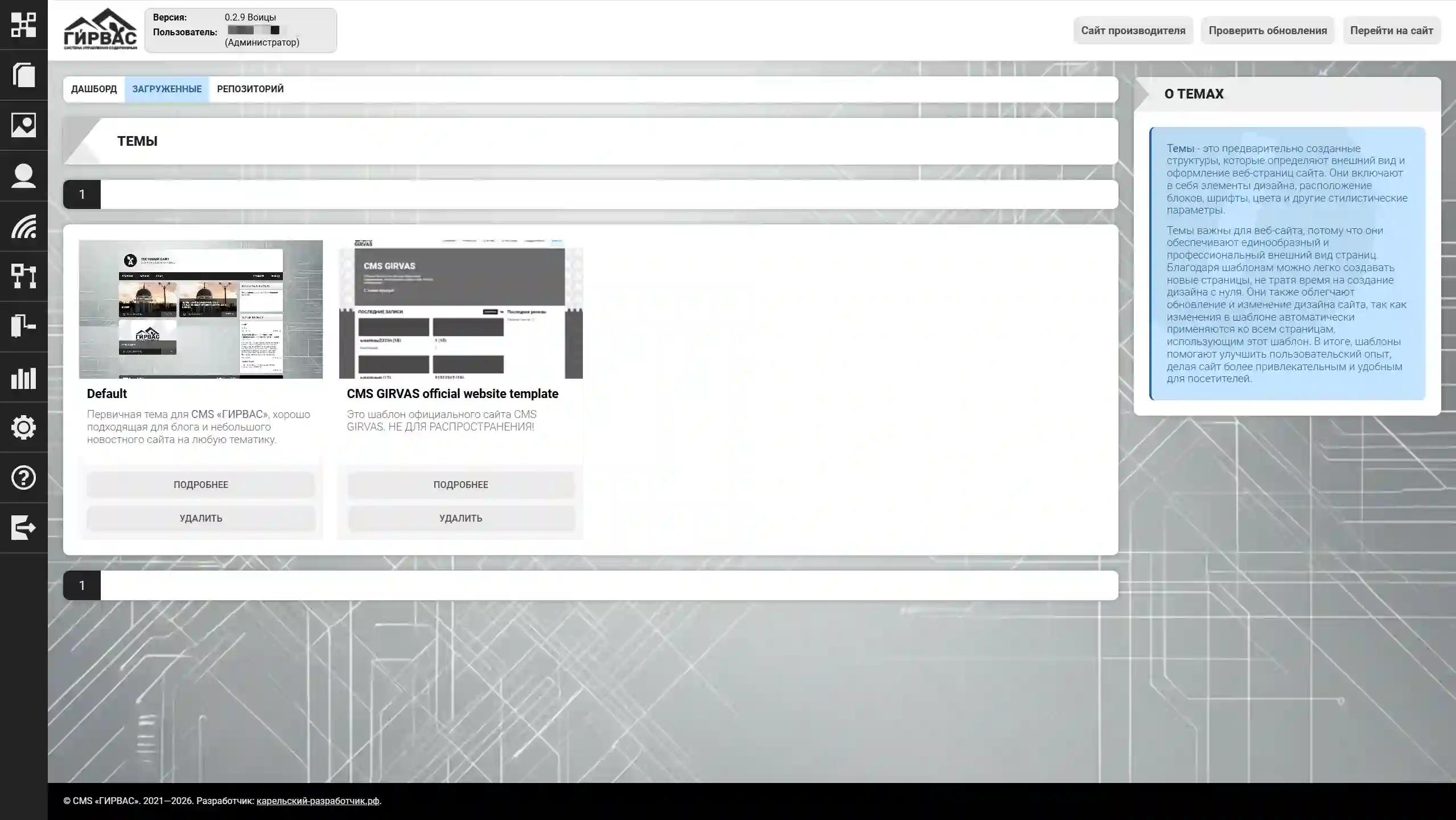
ATTENTION! After uploading a theme, you must install it to change the site's appearance.
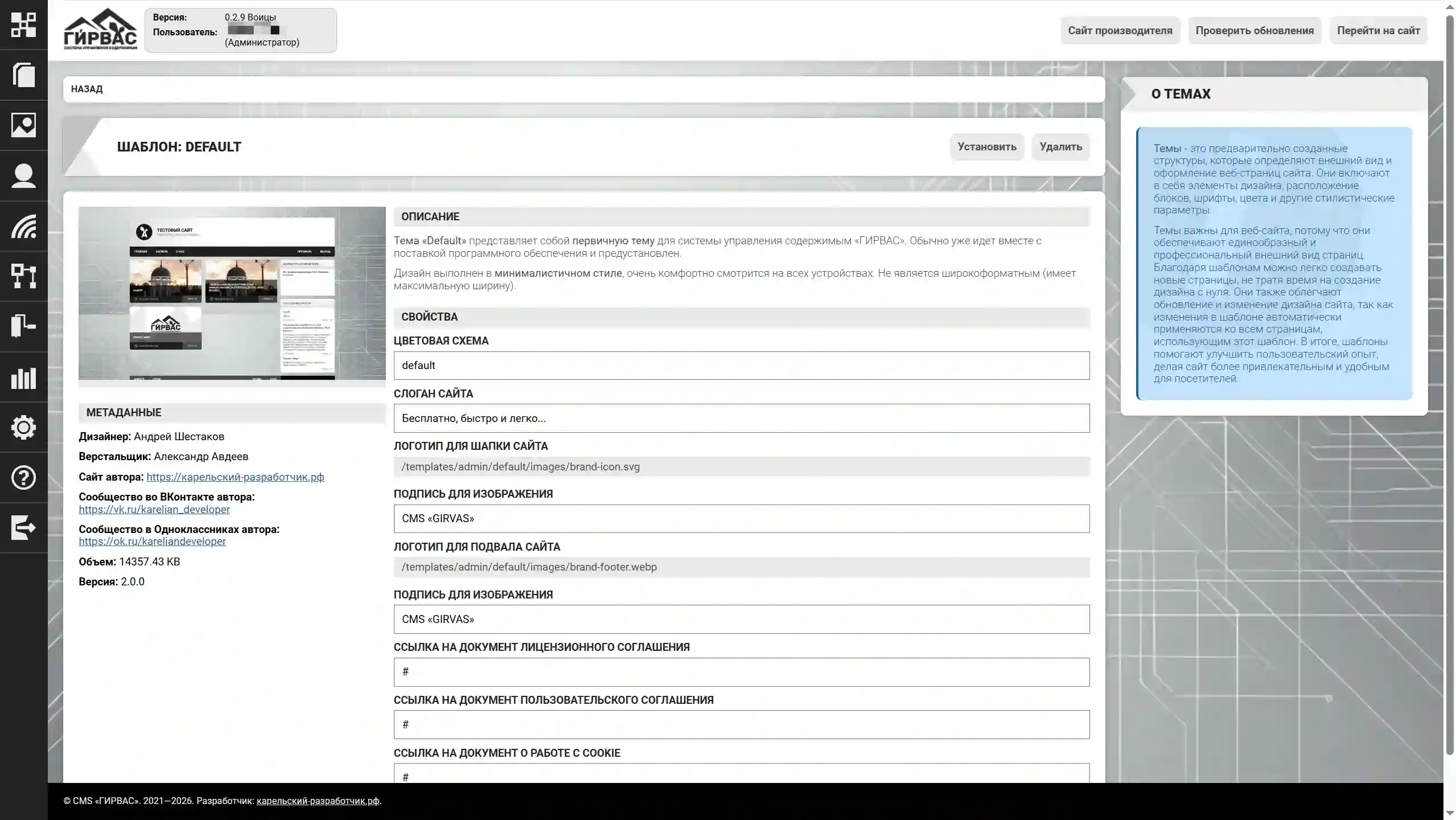
The theme details page contains a brief description, author information, graphics (images are optional), and fields for changing theme parameters (if desired by the theme developers).
Repository Themes
Repository themes are themes approved for publication in the official GIRVAS CMS repository and available for downloading to the server machine.
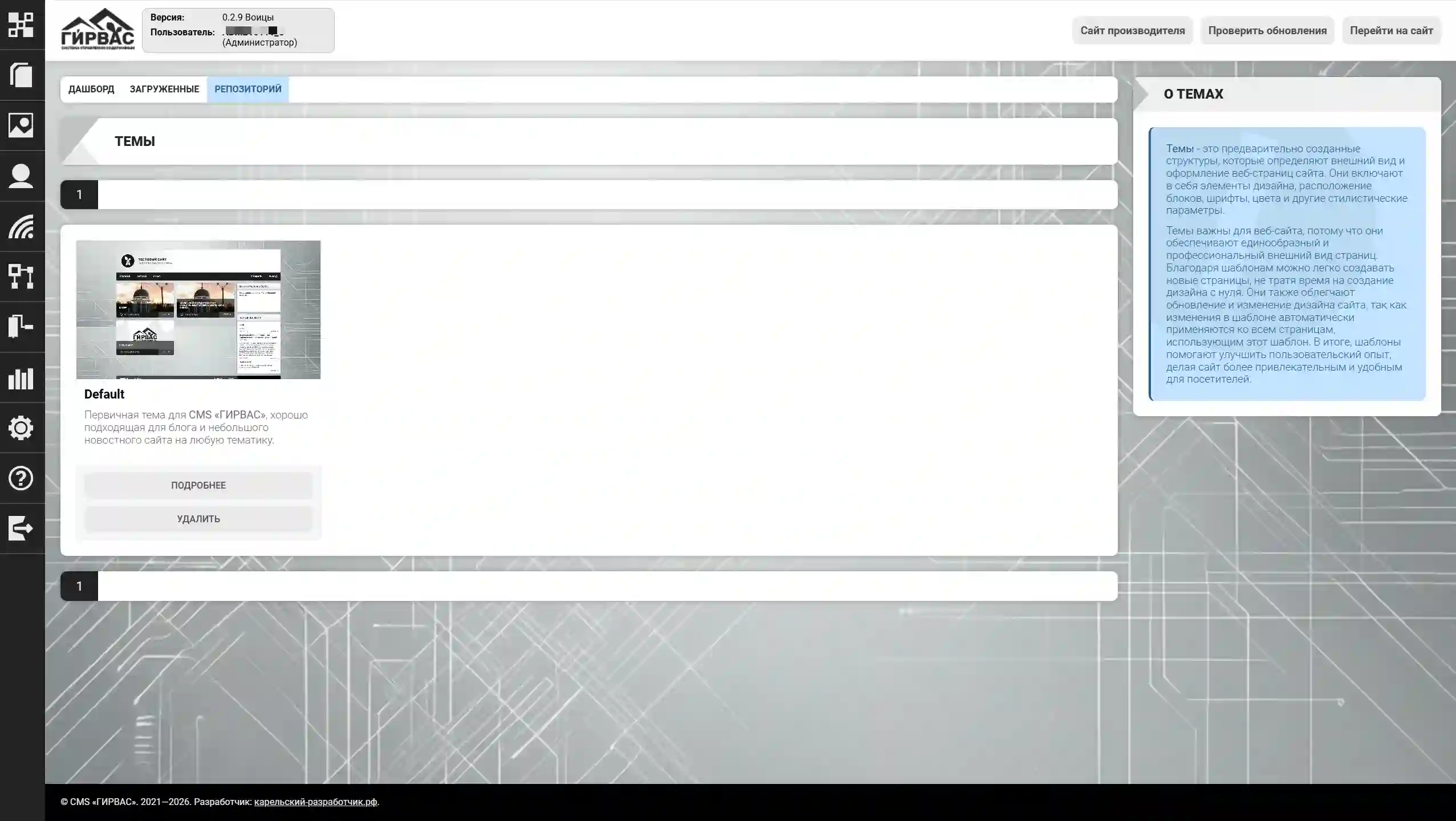
To download a theme, select the corresponding block with the theme name and click "Install."
After a successful download, the theme will appear in the "Downloaded" section. To view detailed information about a topic, click the "More" button, which displays the topic description, author information, and other relevant data.